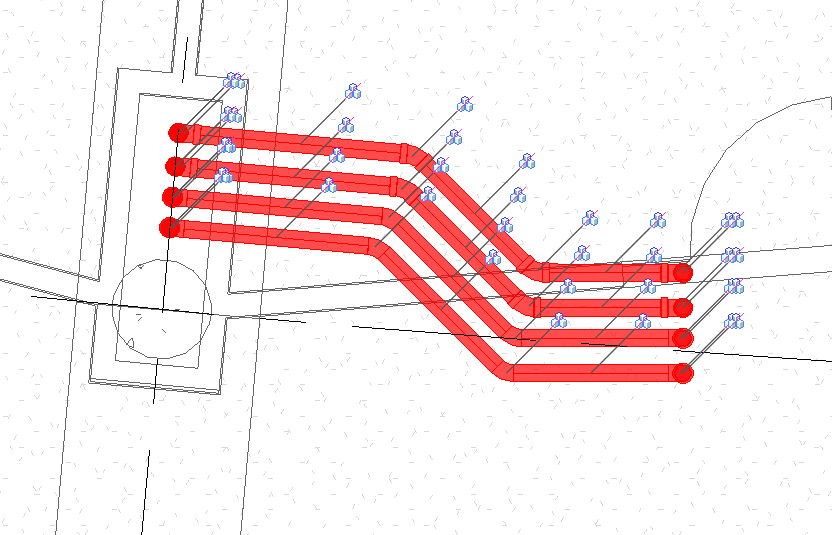
A problem that I have noticed cropping up with my fellow Revit users lately is that they can not select pipework bends with either a window or a crossing even though they are visible, yet they can select pipework.
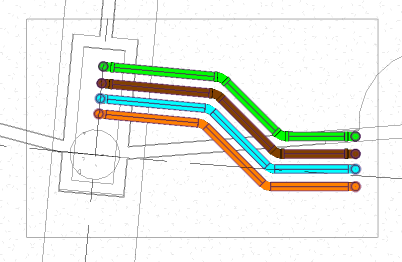
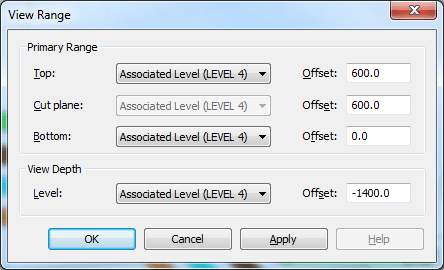
The solution is a simple fix, in the view range settings of the view, check that in the primary range, the bottom of your view range matches that of your view depth.
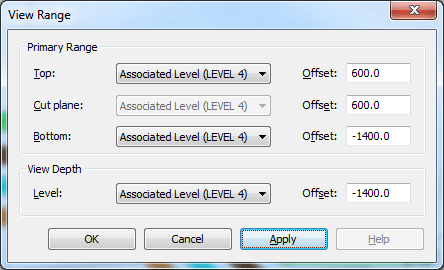
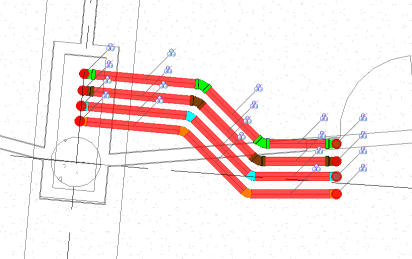
After the change has been applied, you will be able to select your pipe fittings as well as your pipes.